SET UP YOUR SCENT DIFFUSER ON APP

#01 - POWER UP YOUR DIFFUSER AND TURN ON BLUETOOTH
Two quick things before you open the app:
- Power on your diffuser — press the ⏻ button on the top panel. The LED dots will light up to show it's awake.
- Make sure Bluetooth is on. (Settings → Bluetooth)

#02 - OPEN THE APP AND TAP TO CONNECT
Open the app and tap Tap to Connect. Keep your phone close to the machine so it's detectable.

#03- FIND YOUR MACHINE
It shows up under Available Device as Scent-XXXXXX (yours has its own ID). Tap it once. It'll move up to My Device - select your diffuser to set up.

#04 - YOU'RE IN!
This is the main screen.
Before we touch any of it, let's rename your diffuser. Staring at a serial number every time is no fun.
TAP THE THREE DOTS (TOP RIGHT) to rename your diffuser.

#05 - RENAME YOUR DIFFUSER
You'll see Device Name, Device Avatar, and Delete Device.
Tap Device Name.

#06 - GIVE IT A NAME
Living Room," "Bedroom," "The Boss" — or whatever helps you identify later. Once done, tap OK.

#07 - MUCH BETTER
You can also change the Device Avatar if you want to.
Tap the back arrow (top left) to head to the main screen.

#08 - QUICK TOUR OF THE MAIN SCREEN
A few things to know before you schedule your diffuser:
- L ⇋ R (top) — choose which nozzle to mists: left or right. Switch whenever you want.
- Power — manually turns the machine on or off from the app (only works while it's already powered on via the ⏻ button on the top panel).
- Light — toggles the soft blue LED strip at the base. Optional vibe, especially at night.
- Restore — resets your modes back to factory defaults. Only use it if you want a clean slate.
- Modes — the main event. This is where you build your schedule & control intensity. Tap here to start.

#09 - YOU GET FIVE MODE SLOTS
Mode I is on by default.
To schedule the modes for weekday, weekend or even morning, afternoon, evening.
Tap Mode I to adjust the schedule & intensity, or start with the other modes too.

#10 - SET THE DAYS, TIME, AND FREQUENCY
1) Days — tap to select the days you want this mode to run.
Teal = on. Grey = off.
Designed to fit your schedule.
Clock
2) From — swipe to set start time.
3) To — swipe to set end time.
Frequency
4) On — how long the machine mists in each cycle (e.g. 60s).
5) Pause — how long it rests between sprays (e.g. 120s).
60s on / 60s pause = strong
10s on / 120s pause = soft
Start mild and adjust accordingly.
6) ✓ — tap the tick (top right) to confirm and save. If skip this and your changes won't register.

#11 - ONCE ALL SET
Repeat Step 10 for each mode you want — morning, afternoon, weekday, weekend, whenever.
One last thing: make sure the toggle on the right of each mode is switched ON (teal).
That's what activates the mode.
A grey toggle means the mode is saved but not running.
The machine follows whichever modes are toggled on — you can turn them on and off anytime without having to re-edit.
Tap < to go back main screen.
#12 - THAT'S IT! YOU'RE SET!
SHOP OUR BEST SELLERS
View all-

AMBIENCE ROOM SPRAY SERIES
Our room sprays are meticulously blended with the finest essences, offering you...
-
BESPOKE SERIES
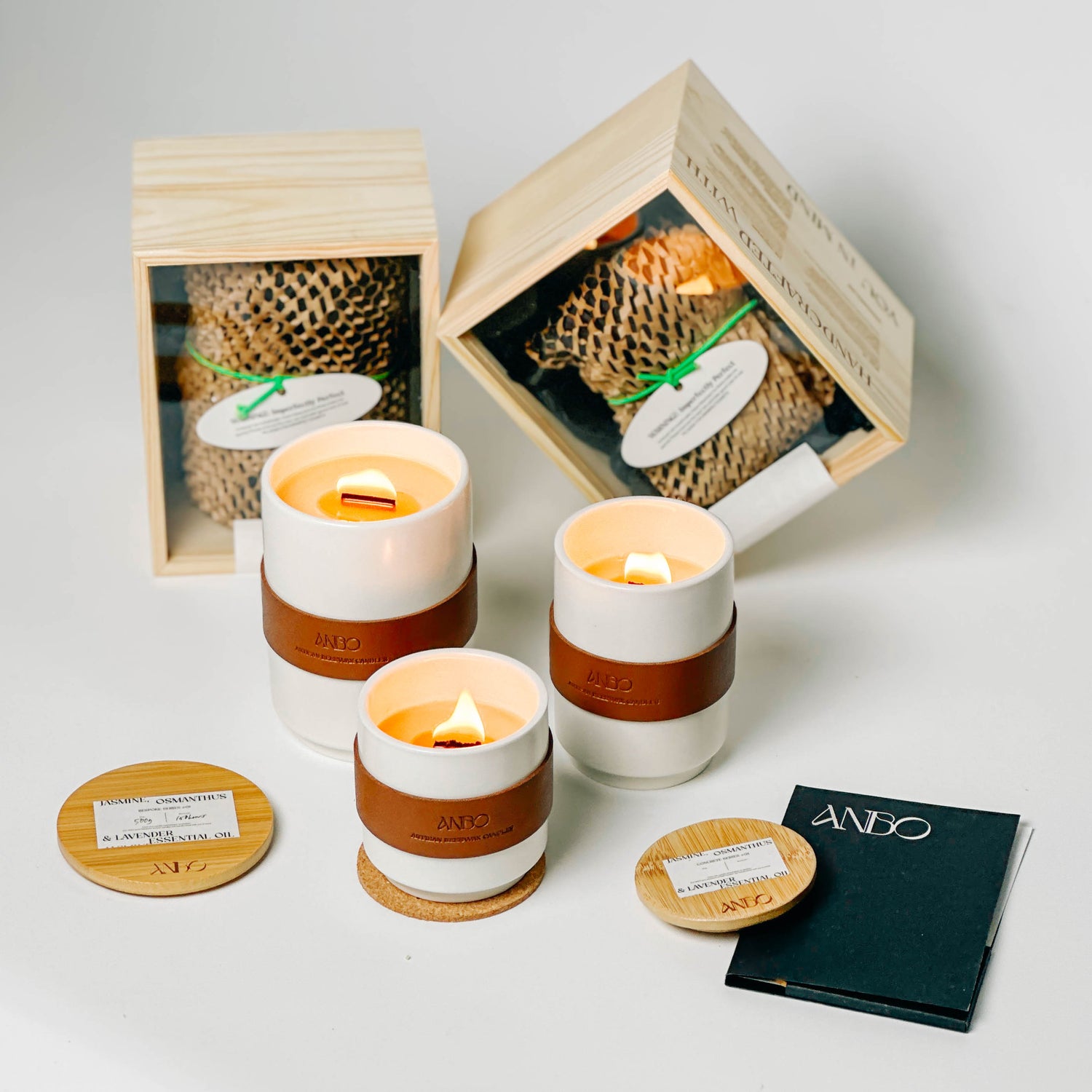
INTRODUCING OUR BESPOKE SERIES An embodiment of creativity and purpose. These ceramic...